Modules enhance the stats of Descendants and Weapons.
Descendant-exclusive Transcendent Modules have effects that modify Skills.
The dynamics of a battle can change depending on which Modules are equipped.
By equipping Modules that suit the content, battlefield effects, and types of enemies you encounter,
you can complete Missions much more efficiently.
Modules are divided into Descendant Modules and Weapon Modules.
Descendant Modules are used to increase the basic stats of Descendants.
Weapon Modules enhance firearm-related stats.
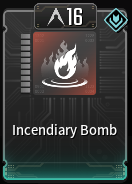
Descendant Modules are categorized into Skill Modules/Sub Modules/Normal Modules.
Skill Modules are used to modify Skills.
When a Skill Module is equipped, it enhances the Skill or changes its form.
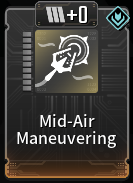
Sub Modules enhance Melee Attacks and mobility-related actions.
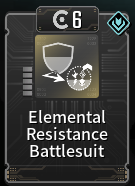
Weapon Modules are categorized by Bullet type.
They are divided into General Round/Special Round/Impact Round/High-Power Round firearm Modules,
and can be equipped according to the Bullet type used by the Weapon.
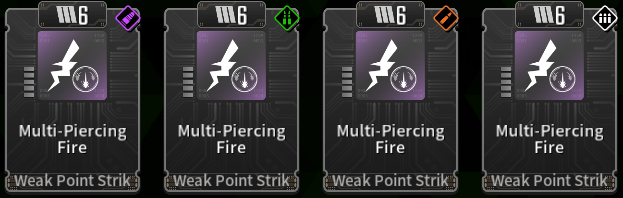
Module information can be viewed in the Library, Modules menu.
Modules can be equipped in the Inventory.
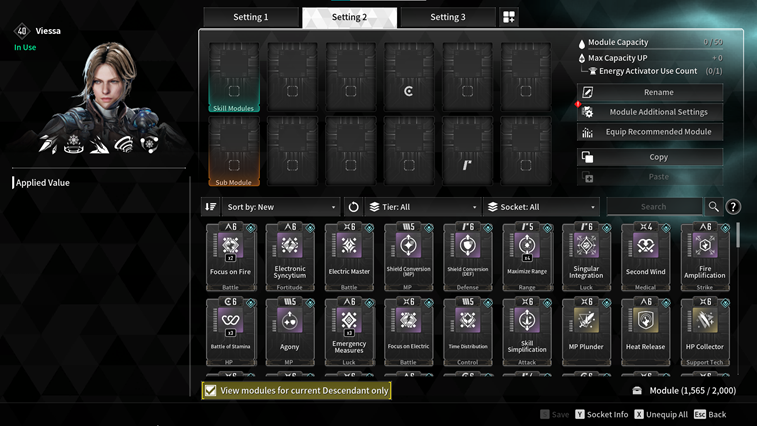
Descendant Modules need to be equipped separately for each Descendant.
Modules you own can be used by all Descendants.
Find and equip the optimal Module Settings for each Descendant.
Through the Loadout feature, you can set up various Module configurations for a single Descendant.
Weapon Modules need to be configured for each Weapon.
Modules can be shared and used across Bullet types.
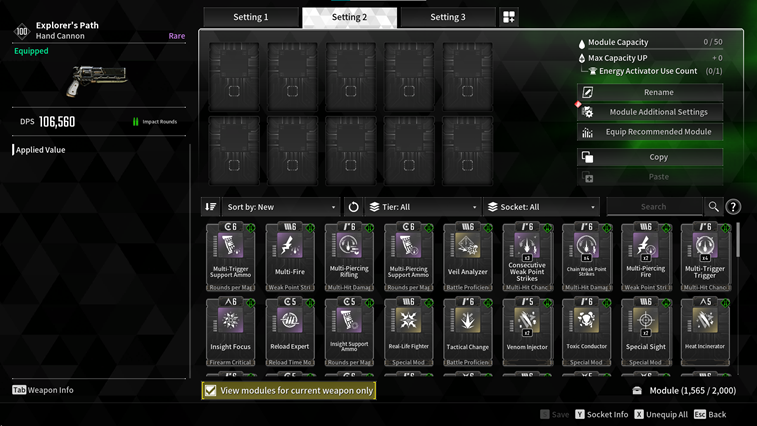
If you need different Module settings for different content, try using the Loadout feature.
Modules can be equipped while remaining under the max Module Capacity.
Equip as many Modules as possible within the max Module Capacity.
When equipping Modules of the same type as the Module Slot Type, the required Module Capacity is halved.
Secure space for other Modules by equipping Modules in Slots of the same type.
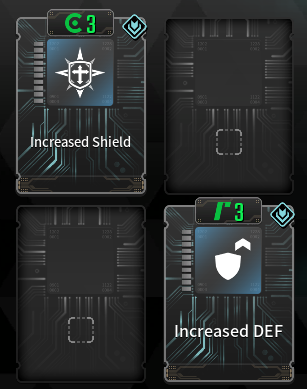
Descendants can equip only one Skill Module and one Sub Module.
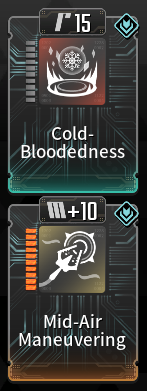
Within the same group, only one Weapon Module of each type can be equipped.
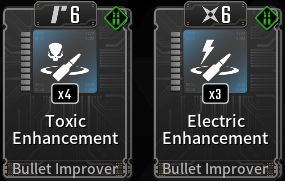
If you want to equip Modules quickly, try using the "Equip Recommended Modules" feature.
You can enhance Modules using Kuiper Shards.
Kuiper Shards can be acquired from Missions and dismantling Modules.
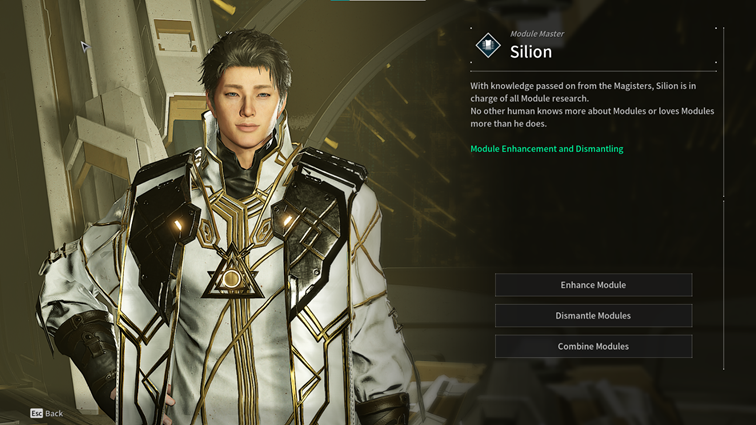
Visit Module Master Silion, to check Module Enhancement and Dismantling options.
Modules can be enhanced up to your Mastery Rank Level.
Modules can be enhanced up to Level 10 and each enhancement increases the Module's Capacity Cost.
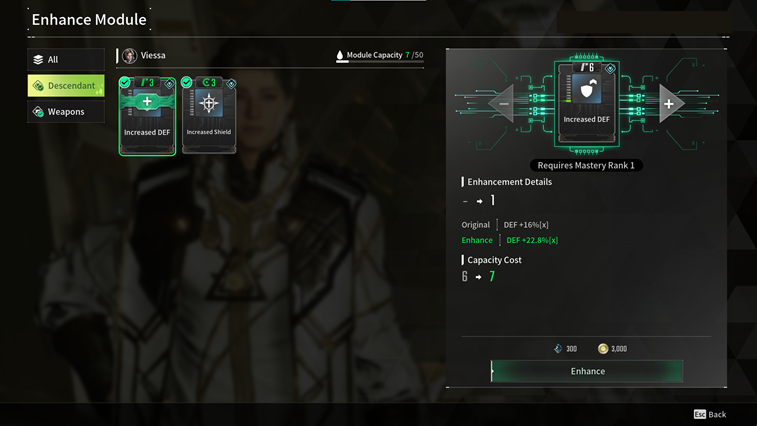
For Descendant Skill Modules, the Capacity Cost decreases with each Enhancement Level.
For Sub Modules, the max Module Capacity increases with each Enhancement Level.
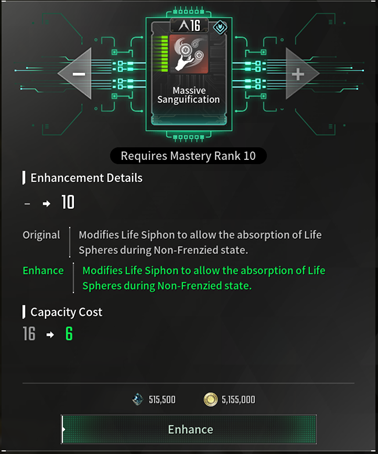
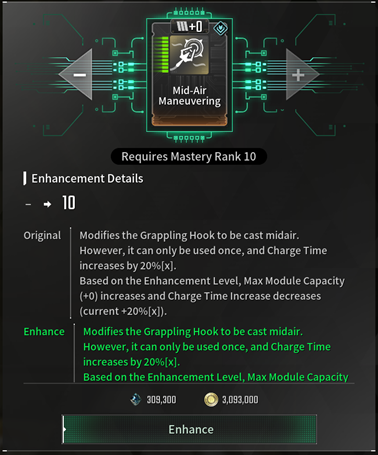
Module Enhancement Levels increase the stats of the Modules.
Enhance the Modules you need to increase their stats.
When enhancing Modules, be careful not to exceed the max Module Capacity.
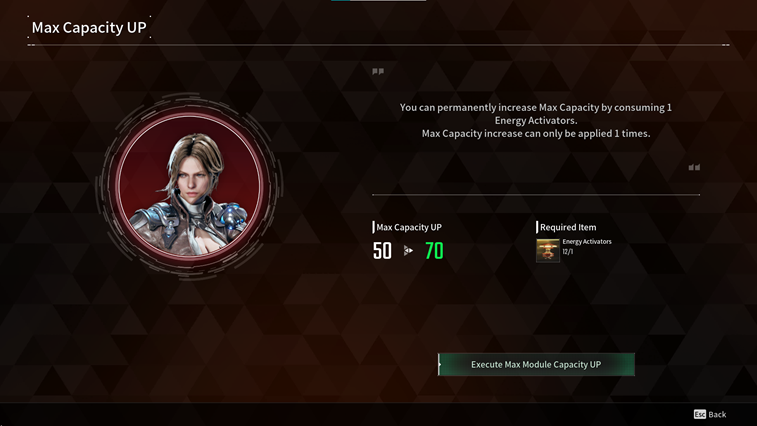
The Max Module Capacity can be increased once for each Descendant/Weapon.
Use Energy Activators to increase the Max Capacity. This allows you to equip more Modules.
When reaching Descendant Level 40 (max) or Weapon Proficiency 40 (max), you can assign types to Module Sockets.
You can assign types using Crystallization Catalysts. When assigning a type, the Descendant Level or Weapon Proficiency will be reset to 1.
Even if the Descendant Level is reset to 1, all Skills will remain available for use.
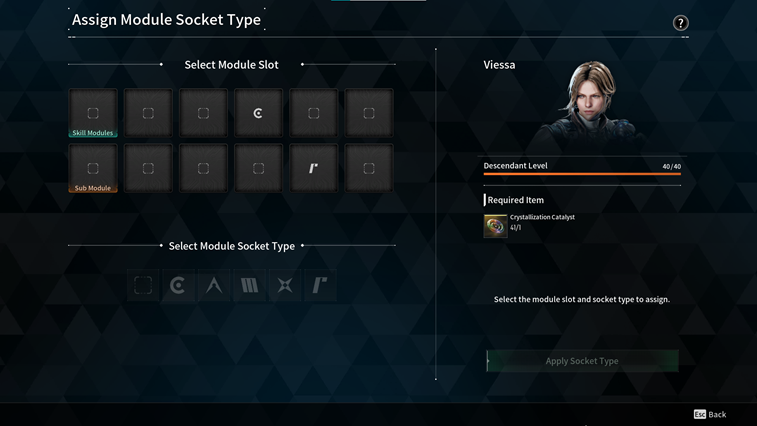
There are 5 Socket Types in total. You can decide and assign Socket Types by matching them with the Modules you want to use.
A total of 12 Sockets can be assigned for Descendants (including Skills and Sub Modules) and up to 10 Sockets can be assigned for Weapons.
Assign Module Socket Types and equip Modules for your main Descendants and Weapons.
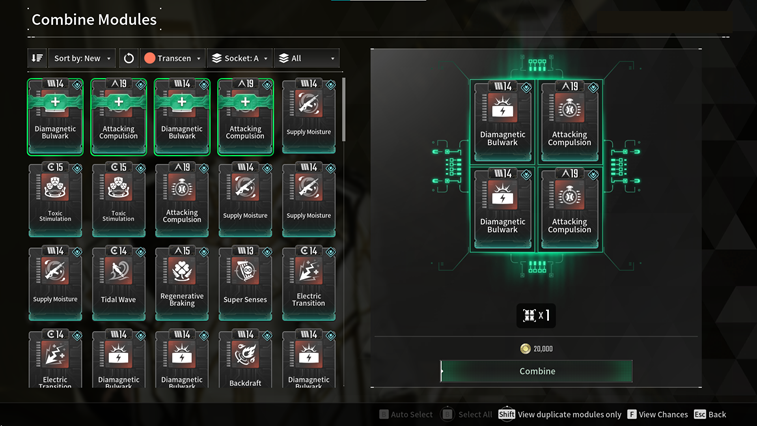
You can combine 4 Modules to acquire 1 new Module.
Try combining unused Modules to acquire new ones.
You can quickly find Modules to combine using the View Duplicate Modules Only feature.
View Duplicate Modules Only: Press the Shift key/Press LS
For duplicate Modules in your possession, you can combine multiple Modules at once using Combine All.
Select All: Press the B key/Press the Y button
Combining Modules can be performed at the Module Master Silion.