
Learn more about the systems that may help your gameplay experiences.
Link Accounts
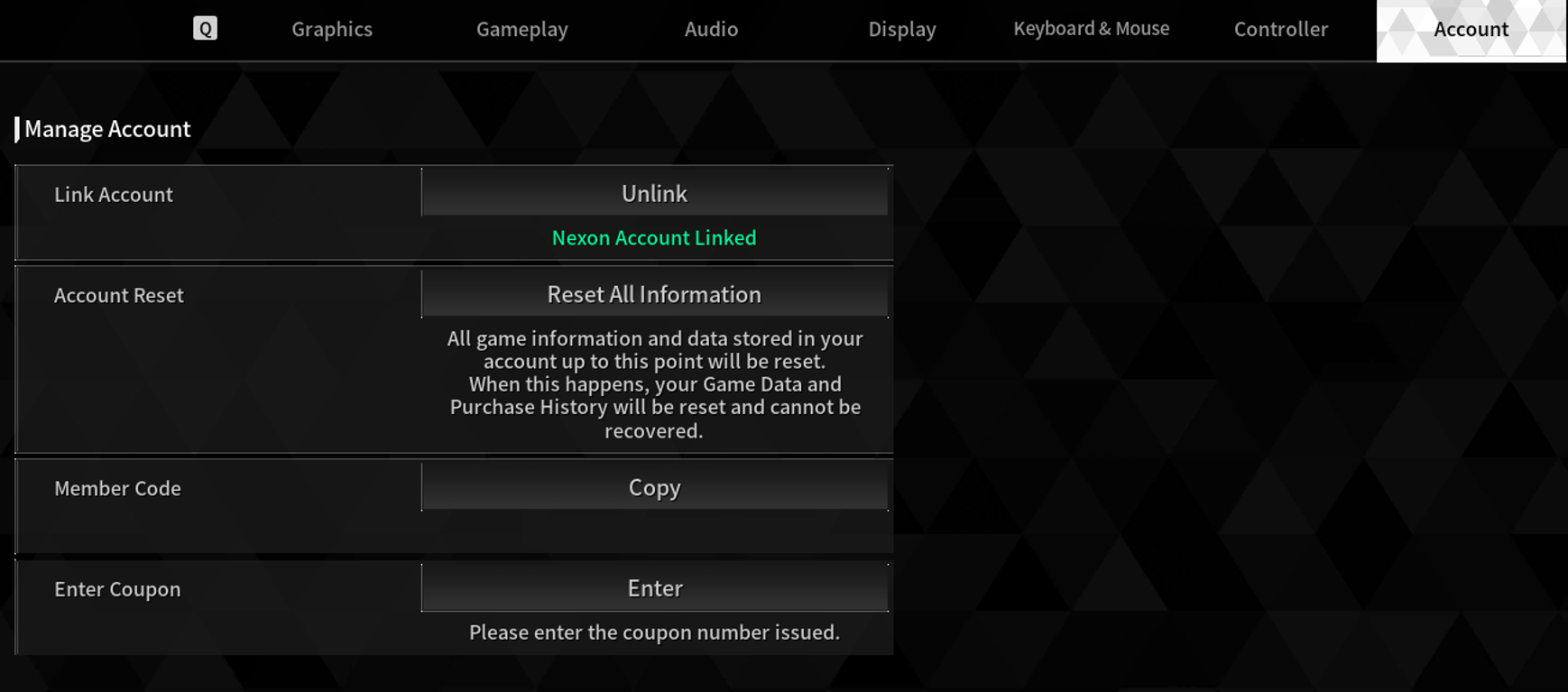
You can link your accounts from other platforms (ex. PS, Steam, Xbox, etc.) to a Nexon account, which will allow you to play with the same game data on both console and PC. .
※ Check your account link status from Game Menu (ESC) > Options > Account > Link Account.
If you delete your Nexon account, previously linked account(s) will automatically be unlinked.
This allows you to play on any platform with the game data you want by selecting the Primary Account from the multiple sets of platform game data linked to your Nexon ID.
Battle Pass
You can claim a variety of rewards from the Battle Pass Shop, depending on the Battle Pass Season Level.
Some items are only available from the "Premium Upgrade".
The Battle Supply Shop is a shop where you can select the rewards you want and purchase them with Supply Coins.
You must achieve a certain level in the Battle Pass season to purchase rewards.
You can earn Supply Coins through completing Seasonal Weekly Challenges.
While the Battle Pass is active, you will receive Weekly Challenges each week.
The Bonus Shop is a shop where you can select the rewards you want and purchase them with Bonus Coins.
Bonus Coins can be acquired as rewards from the Battle Pass Premium Upgrade.
When you upgrade to Premium, you'll be able to achieve higher Season Levels than free players and obtain Bonus Coins.
Bonus Coins earned after leveling up in a Battle Pass season can only be redeemed by clicking the Claim Bonus Coins button on the Battle Pass page.
Social Features (Support Request)
When playing Battlefield Missions solo, you can request Support from random players or friends on the same Battlefield.
Accepting a Support Request will transport you to the player and allow you to fight alongside them in the Battlefield Mission.
However, if the number of players on the Battlefield where the player has Requested Support exceeds the player limit, the mission will restart in a new Battlefield with the answering players.
A Support Request cannot be sent again if there are no answering players during the requested time.
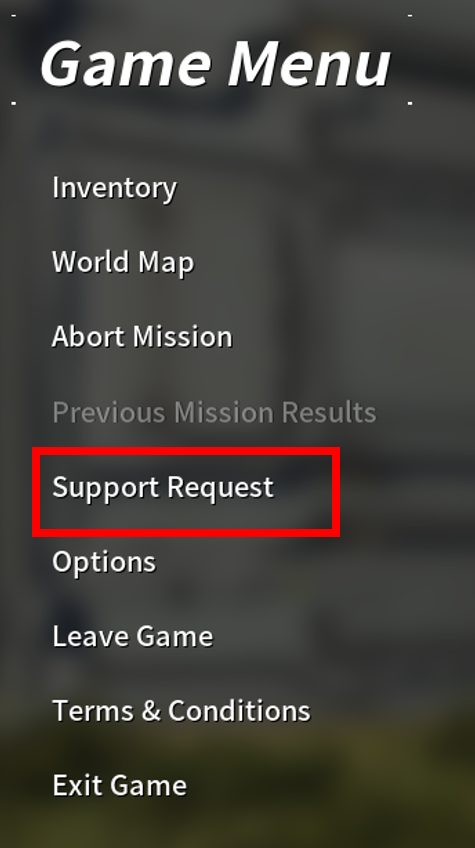
※ Requesting Support: Game Menu (ESC) > Support Request (Only active when on a solo mission) > Normal Support Request (T) or Friend Support Request (R)
※ Accepting Support Requests:
(1) Map (G) > Social > Support Request on the bottom right
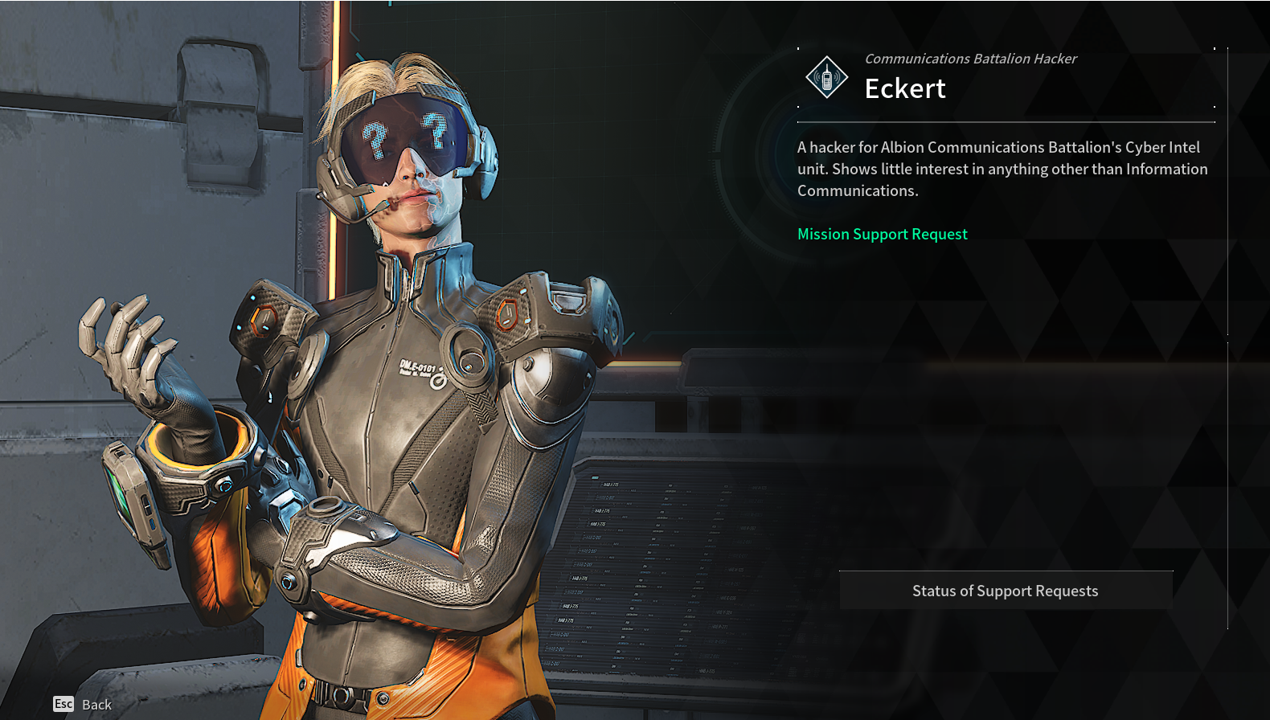
(2) Albion > NPC Eckert > Status of Support Requests
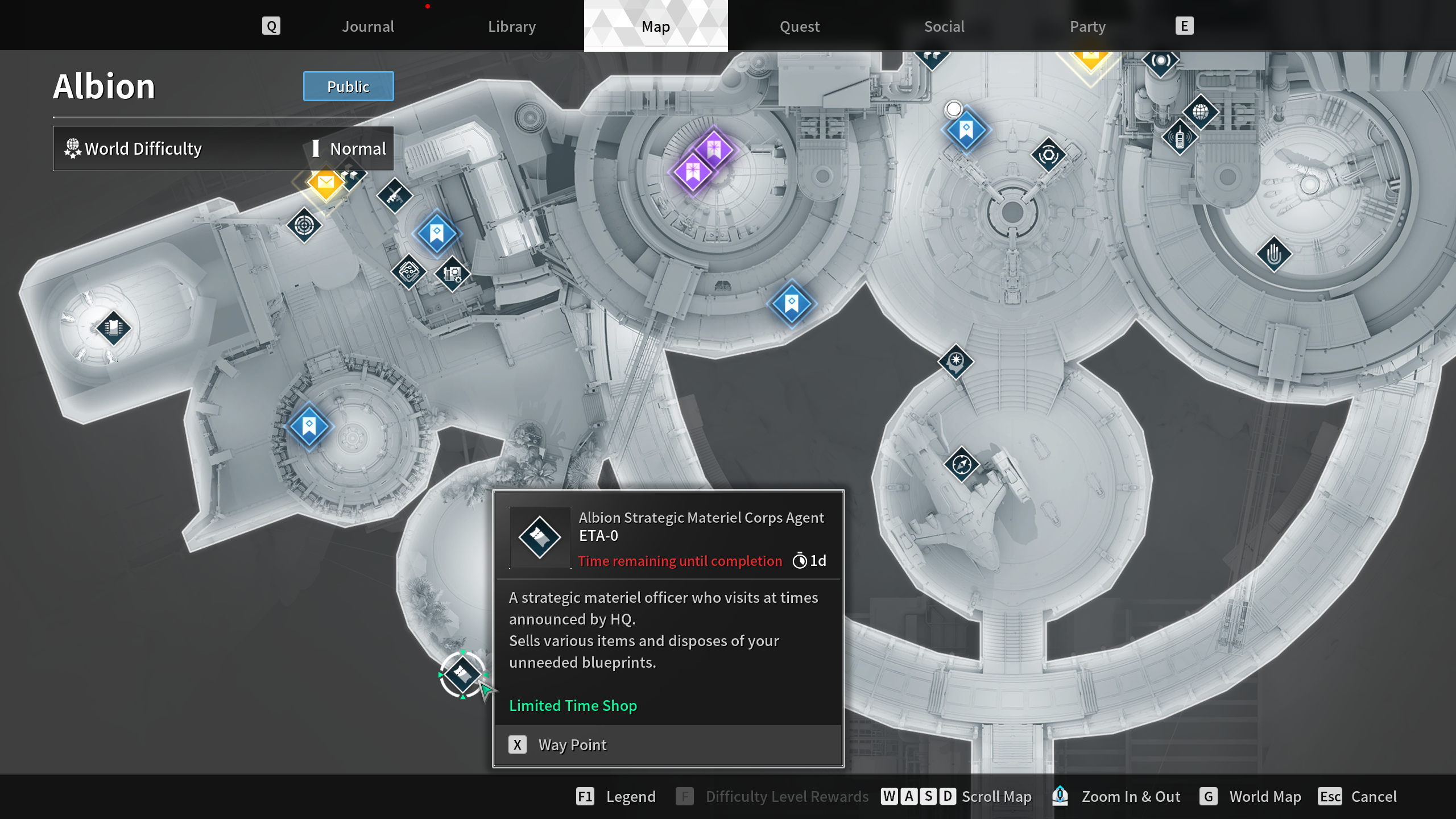
ETA-0
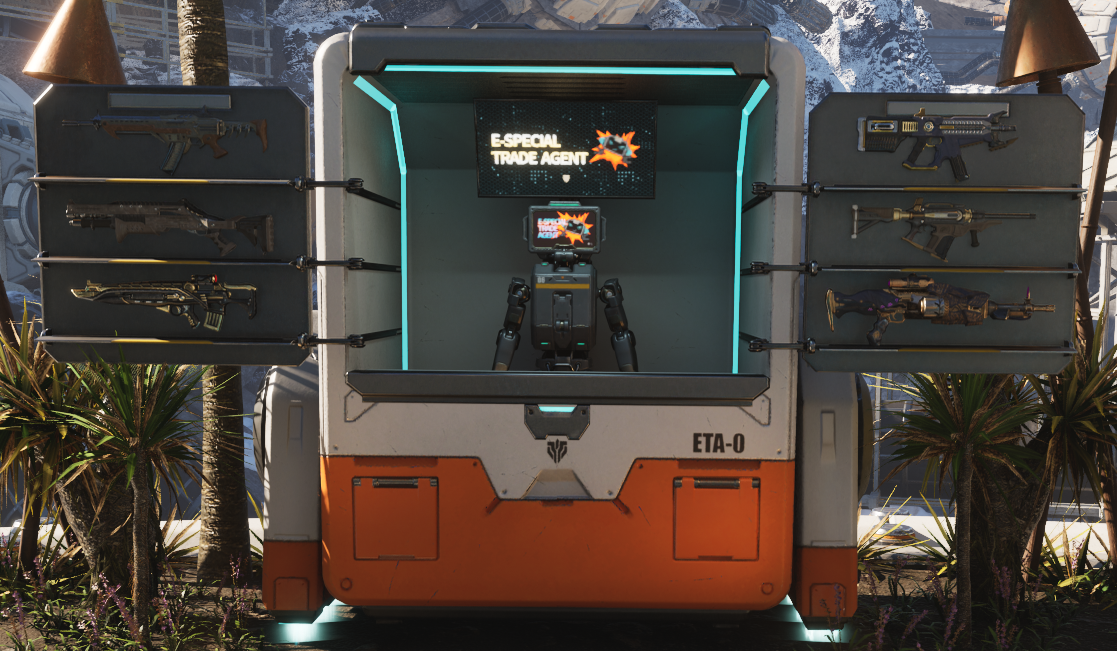
ETA-0 is an NPC that provides the services of dismantling blueprints and purchasing items with exclusive currencies.
ETA-0 is available in Albion at certain times and ETA-0's availability period can be checked via the ETA-0 icon on the Albion map.
※ 00:00 Friday - 00:00 Tuesday PDT
Junk Filter and Attached Items
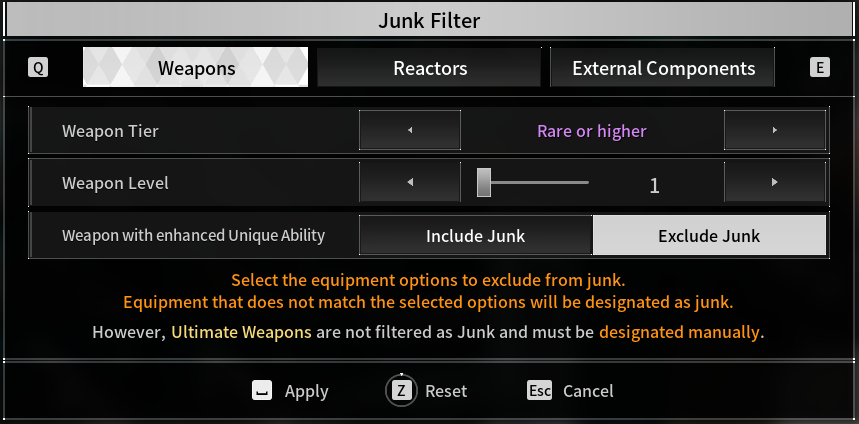
1. Junk Filter
Dismantle unwanted Weapons/Reactors/External Components. The items to be dismantled can be selected at once using Designate all as Junk (Shift).
You can set the Tier/Level/Enhancement/Set Effects options of items to be registered as Junk using the Junk Filter.
2. View Attached Items
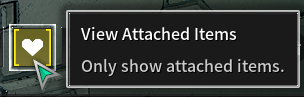
Attached Items can be registered by hovering over an item and selecting Register Attached Item (U).
You can check the list of registered items using the View Attached Item function.
Items registered as Attached Items cannot be designated Junk and cannot be Dismantled.
Library
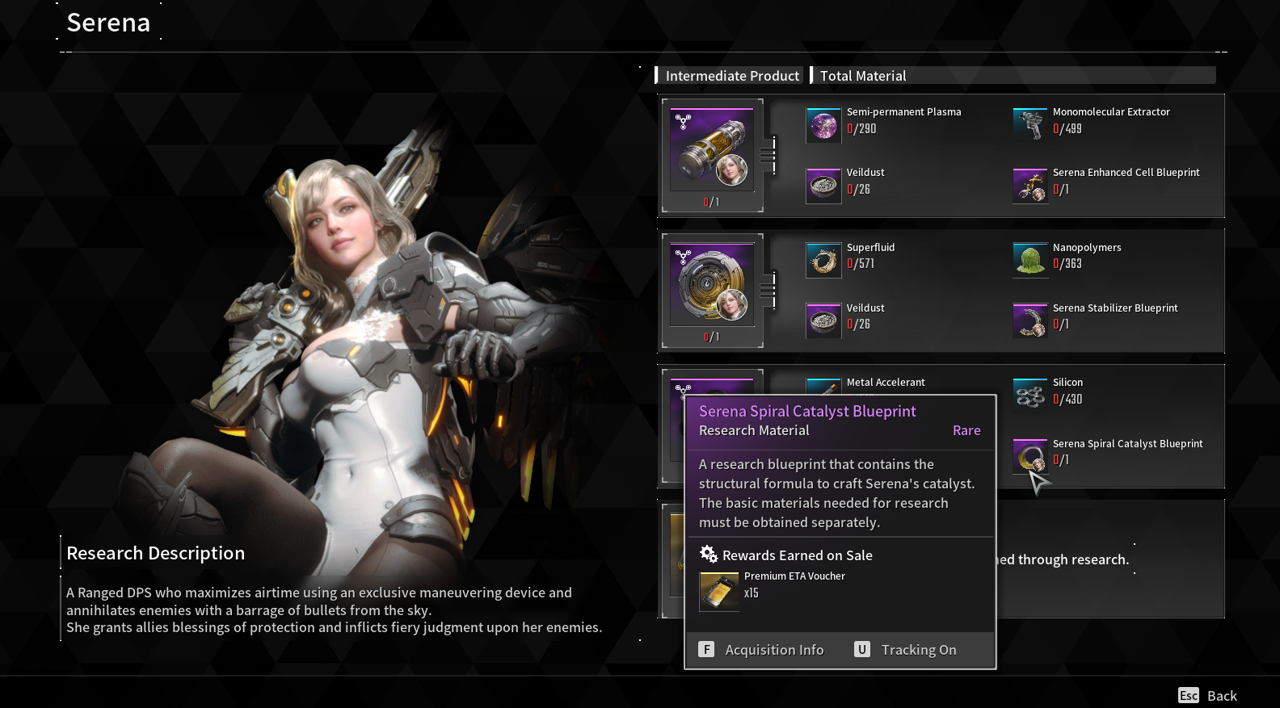
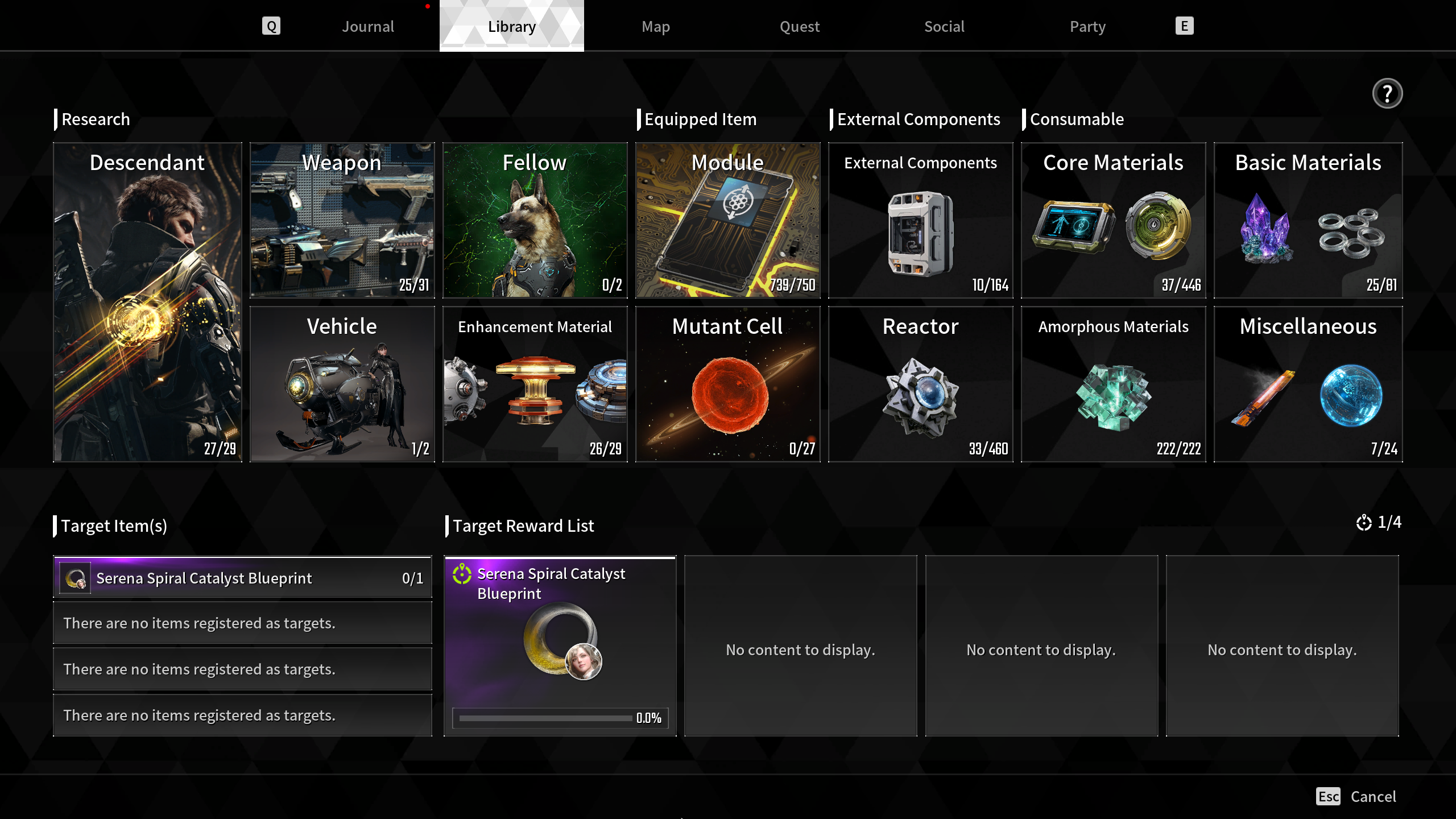
The Library is where you can check information for all kinds of items and where to acquire them, allowing you to plan your farming.
In the Library, you can view information about Descendants, Weapons, Enhancement Materials, Modules, External Components, Crafting Materials, and Amorphous Materials.
※ Library: Map (G) > Library
Set Tracked Items in the Library to plan out your item farming.
You can set up to four Tracked Items depending on your Mastery Rank.
※ Setting Tracked Items: Hover over item > Tracking On (U)
Target Reward
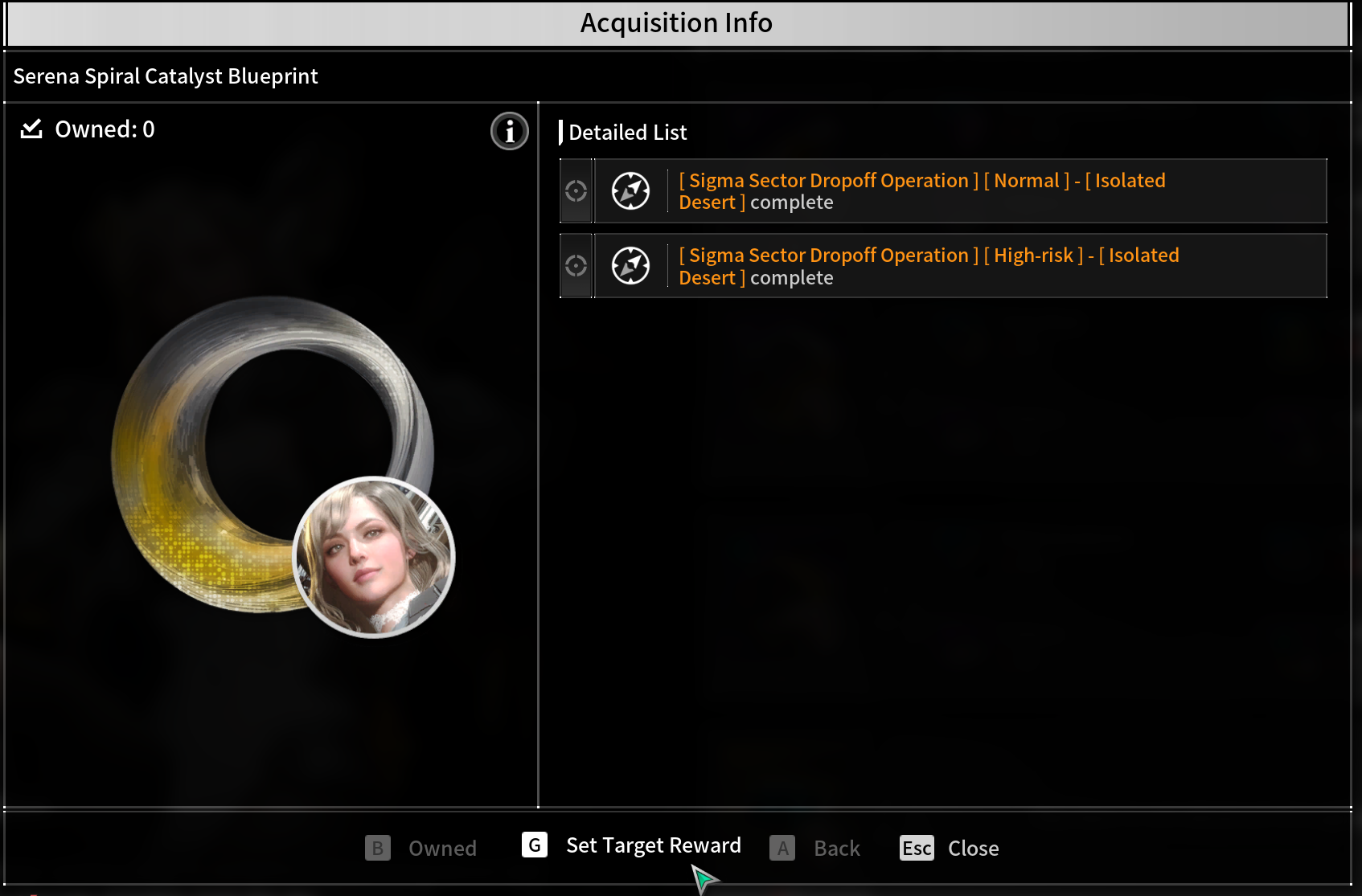
Target Reward is a system where a certain meter accumulates if you don't get the target item. Once the meter reaches 100%, you automatically obtain the target item.
You can register the Target Reward on the Acquisition Info (F) screen. Only Amorphous Materials and Core Materials can be registered.
You can register up to 4 items as Target Rewards and you can unregister items from the Target Reward List.
Removing a Target Reward will reset the accumulated meter.
Achievements
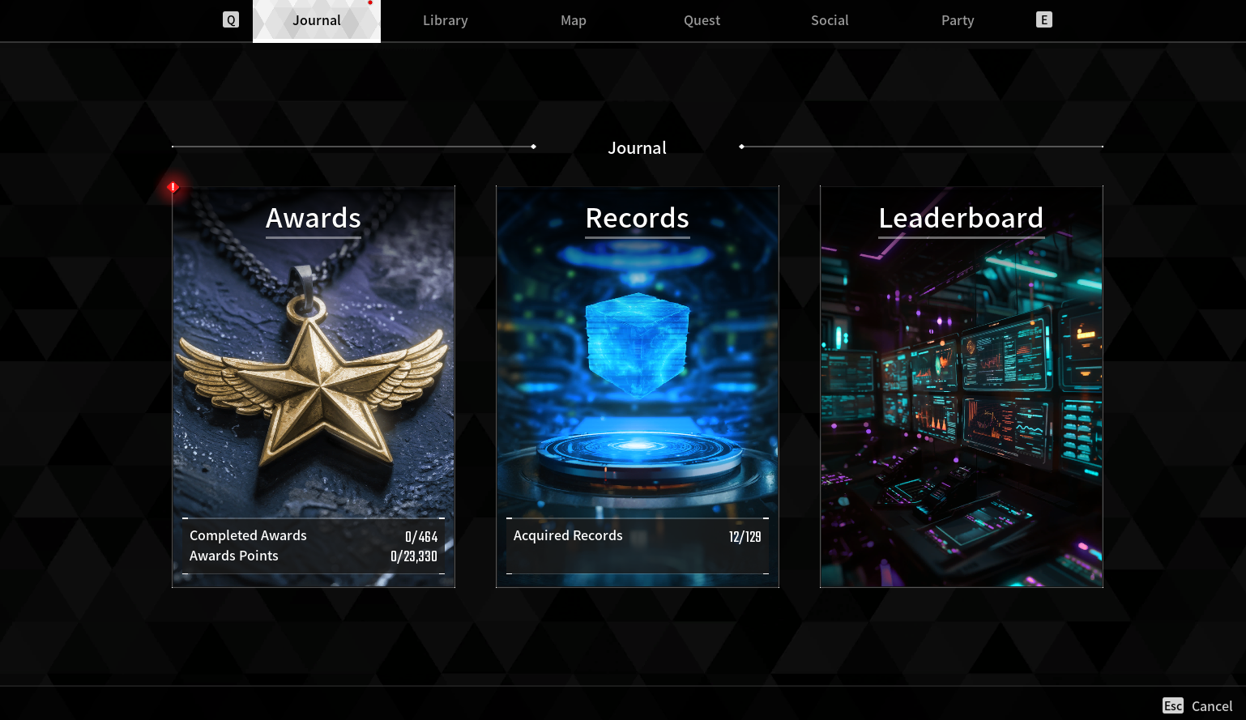
Achievements are tasks that give you rewards and Titles for completing certain in-game objectives.
You can check the conditions, progress, and rewards of Achievements by clicking each category in the Achievements screen.
※ You can earn Titles and other rewards by completing Achievements.
Customization
You can customize Skins, Emotes, Animations, etc.
You can apply items you own or preview any unowned items.
※ Customization Settings: Inventory (I) > Customize
Using Paint, you can change the color of Descendants' Head and Body Skins, as well as Weapon Skins.
When using Change Color (F), the parts that can be dyed will show up as slots. You can apply the Paint of your desired color to each of the slots.
※ Paint that has been used on a Skin will be applied to that Skin only and cannot be used on other Skins.
※ Paint that has been used on a Skin can be used freely via the slots on that Skin.