
| ㆍ All equipment are tiered, which can be checked using the item tooltip. ㆍ The Weapons List is where you can see all weapon types by ammo type. |
1. Equipment
The First Descendant has equipment such as weapons, external components, reactors, consumables, and modules.
All equipment are tiered, which can be found in the item tooltip.
※ Higher tiers indicate items with higher stats and value.
| Tier | Name |
| Tier 1 | Normal |
| Tier 2 | Rare |
| Tier 3 | Ultimate |
| Tier 4 | Transcendent |
2. Firearm
Different types of firearms are available.
There are a total of 11 firearms: Handgun, Hand Cannon, Shotgun, Submachine Gun, Machine Gun, Assault Rifle, Tactical Rifle, Scout Rifle, Sniper Rifle, Launcher, and Beam Rifle.
The type of ammo used differs depending on the Firearm type. There are 4 ammo types: General Rounds, Special Rounds, Impact Rounds, and High-Power Rounds.
※ To check owned firearm: Inventory (I) > Equip Weapon (A)
|
<The Magnus AA weapon is an Assault Rifle and uses General Rounds.> |
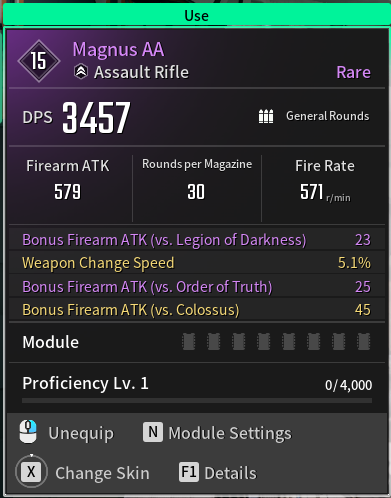
The type of ammo used by each weapon is displayed in the weapon tooltip, or in the upper left corner of the weapon image.
Ammo that drops when a monster is killed appears in the same color as the ammo image below.
Example) White for General Rounds and orange for Special Rounds.
| Ammo Image | Ammo Name |
|
| General Rounds |
|
| Special Rounds |
|
| Impact Rounds |
|
| High-Power Rounds |
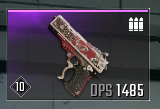
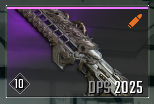
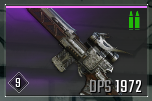
※ If you run out of ammo during play, you can get it from a Support Droid. You can find more information in the [Support Droid Guide].
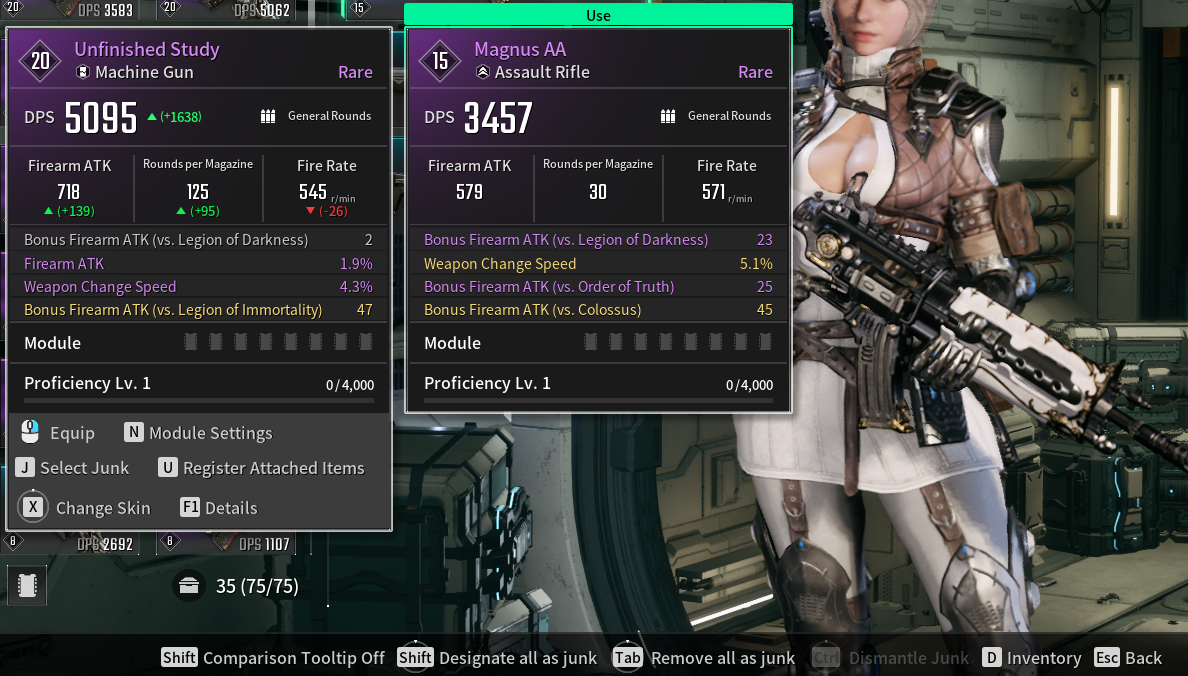
Turn on the Comparison Tooltip (Shift) to compare the ATK, Rounds per Magazine, and Fire Rate of your equipped or owned weapons.
|
<For equipped weapons, ‘In Use’ is displayed on the top of the tooltip.> |
3. Weapons List
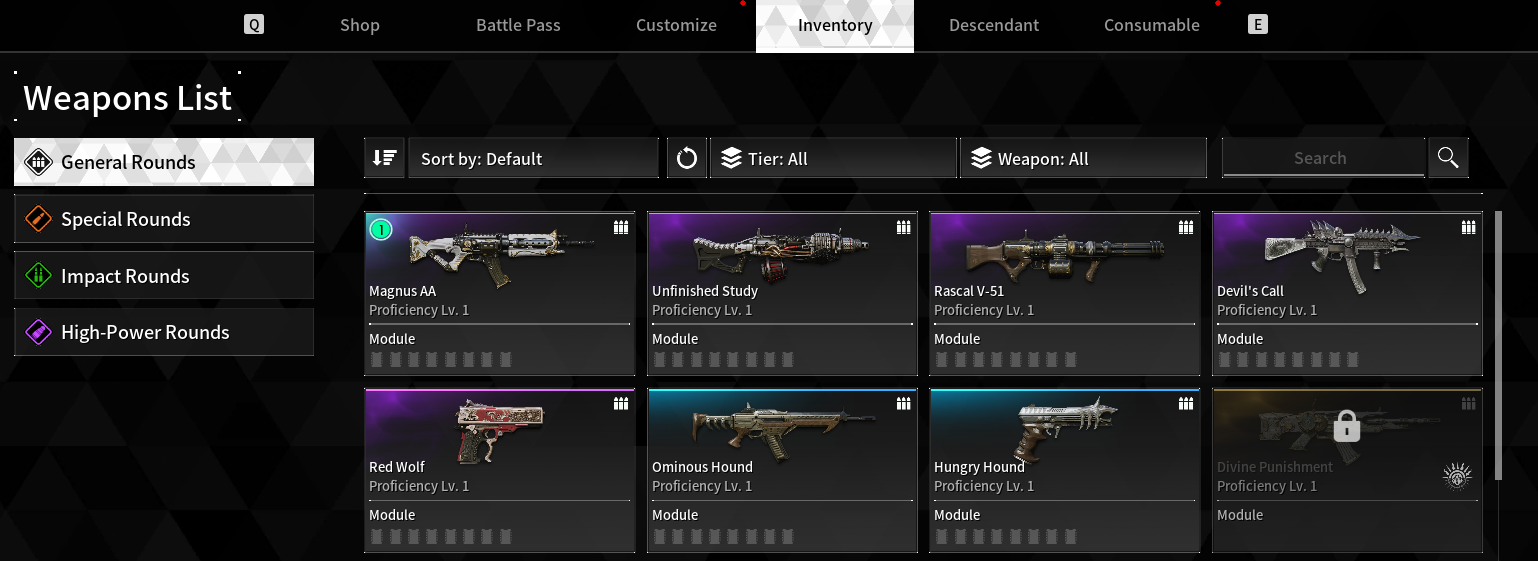
The Weapons List is where you can see all of your weapons, organized by ammo type.
If you have acquired a weapon at least once, it will be active on the list and you can see its Proficiency, the number of modules they have, and whether they have any Unique Ability.
Hover over a weapon in the Weapons List that has a Unique Ability added to it to see a description of the Unique Ability.
※ Weapons List: Inventory (I) > Weapons List on the bottom left
|
<You can check weapons based on the ammo type.> <Use the Sort by, Filters, and Search functions to check the weapon type of your choice.> |
Select a weapon from the Weapons List to check its Exclusive Skin. Viewing is available for unacquired Skins as well.
For weapons that can be acquired through Research, hover over a weapon from the Weapons List > Research Info (F) to check the required materials.