
| ㆍ The Loadout feature allows you to save and load information from the Modules equipped on your weapons/Descendants. ㆍ The Preset feature allows you to save and load the currently equipped Descendant and their equipment information. ㆍ If multiple Socket Types are assigned to the same Module slot in Loadout, the Socket Type of each slot can be reassigned. |
Loadout is a QoL feature where you can save and load information from the Modules equipped on your weapons as well as your Descendants.
Presets save your Descendant's information and their equipment, including Loadout. You can load the saved equipment information afterwards.
Presets and Loadouts come with 3 slots by default; purchase additional slots using Caliber.
The names of the Preset and Loadout slots can be changed.
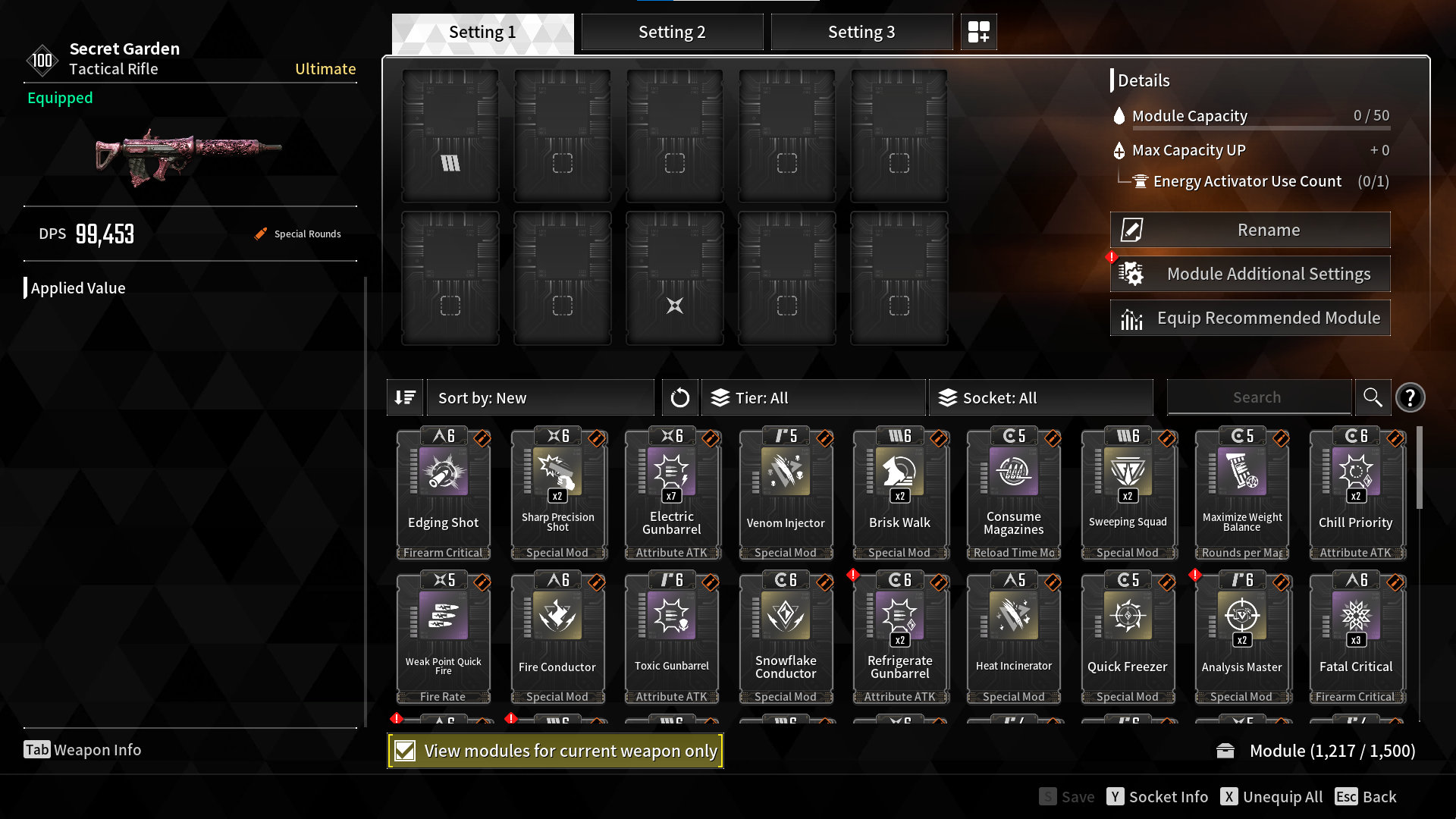
<Save the desired Modules after setting each Loadout slot from the Descendant/Weapon Module Settings screen.>
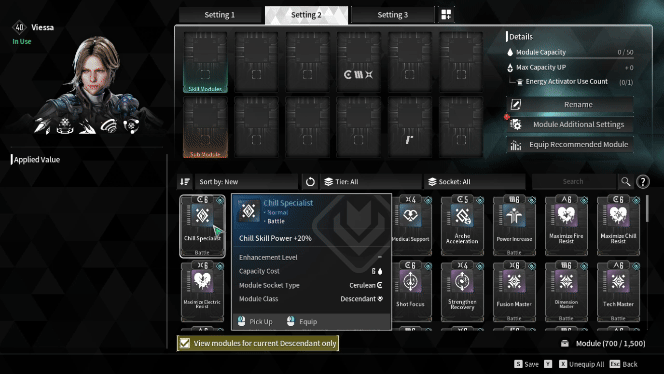
<When a module with one of the Socket Types applied on the Slot is installed, the Socket Type of the Slot is automatically changed to that type.>
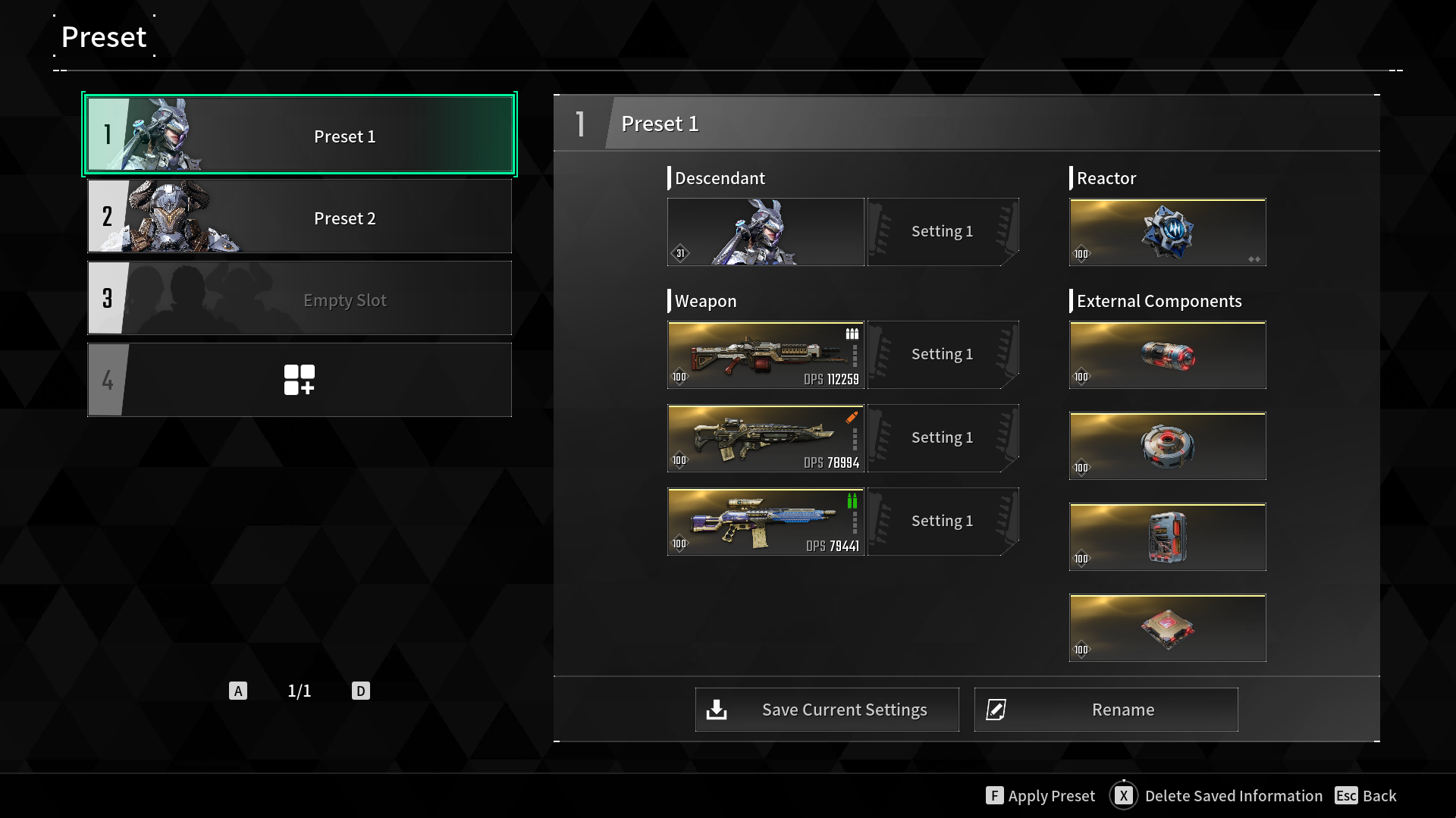
<Click the 'Save Current Settings' button in the Preset UI to save the currently equipped Descendant and their equipment information to a Preset slot.>